настройка WireGuard® на Keenetic router на version 3.3 и выше
Configure the interface
- Log in to your Keenetic router's interface. Open a browser and enter this address into the URL bar: my.keenetic.net
Alternatively, enter the Gateway IP address into the URL bar. By default, it is 192.168.1.1
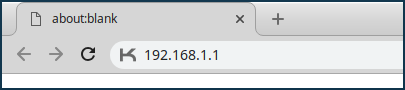
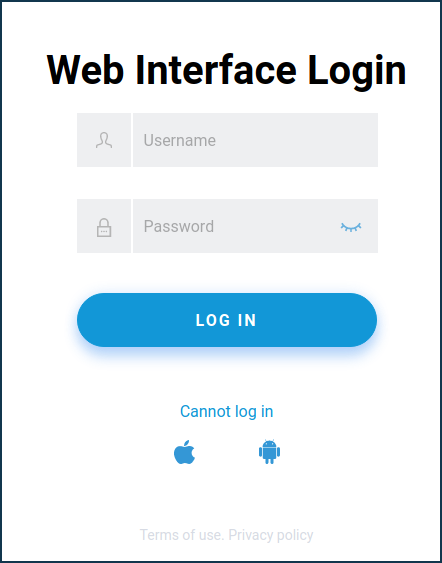
- Proceed to log in to your router.
Default username: admin
Default password: 1234
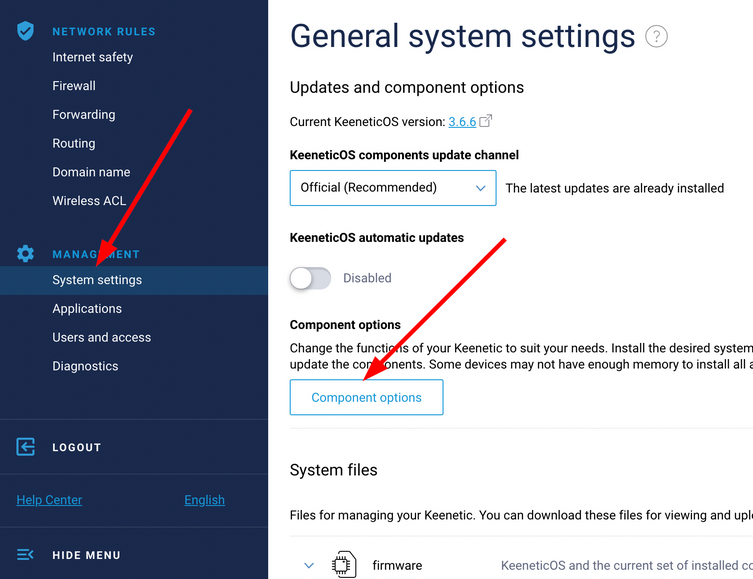
- Navigate to System Settings > Component options
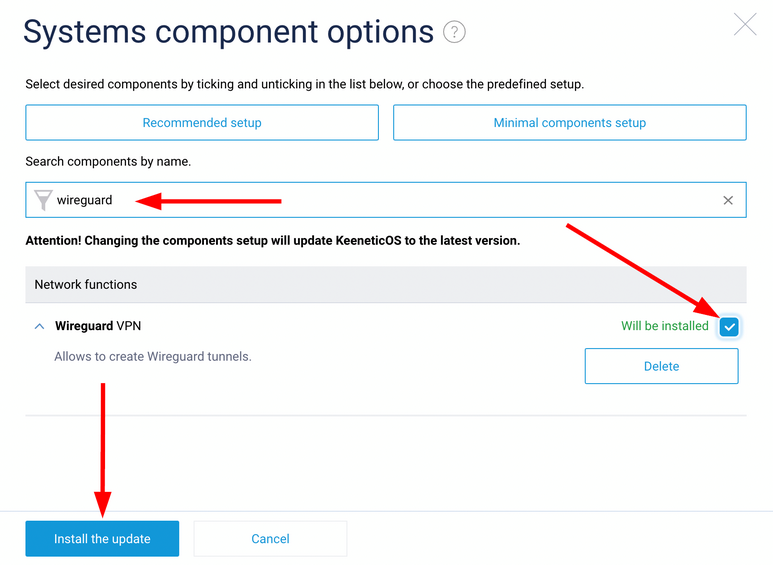
- Type in WireGuard in the search bar, check the box next to WireGuard VPN, and click Install the update button.
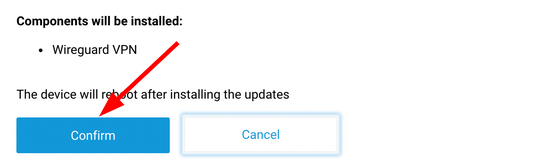
- In the pop-up that comes up, click ‘Confirm’ to continue with the installation. After it is done, reboot the router.
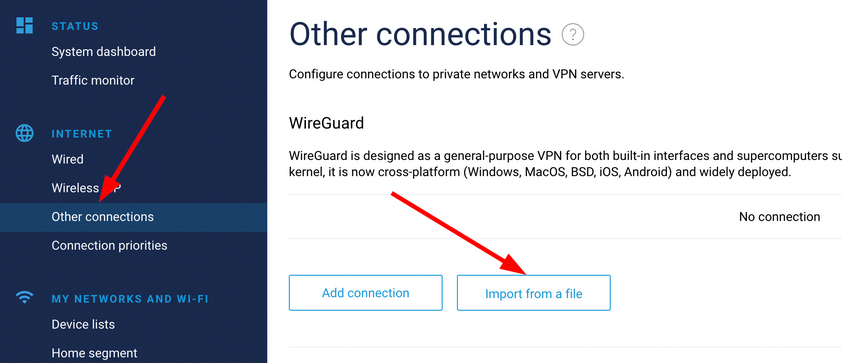
- Once rebooted, open up the router interface again and select the Other connections menu. Click the Import from a file button
- Click on the added connection (not on the switch).

- Once there, check the box Use for accessing the Internet. If the listen port is not inserted, input 51820.
- After you are done, make sure to click the Save button.
- Click on the Connect switch.

- Open the Connection priorities menu, move the added VPN connection to the top so that it is the first, and click Save.

Ensure the connection is successful
xs (<576)
sm (576+)
md (768+)
lg (992+)
xl (1200+)
xxl (1400+)

 Tor v3
 @FVPNS
 support@1vpns.com
 support@1vpns.com
 82822222
 EN
EN RU
RU


